


This article is more than 1 year old
Zanther Taposé
Ill-fated MS tablet tech comes to iPad

iOS App of the Week Oh the irony. Microsoft cancelled plans for its Courier tablet when Apple launched the iPad, but the Courier’s two-screen design has now found a home on the very device that killed it off, courtesy of Taposé from developer Zanther.
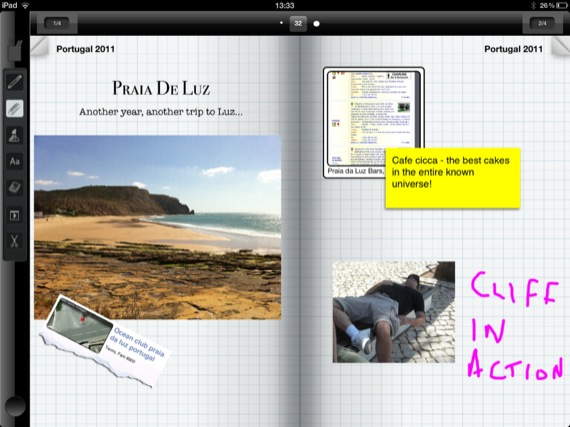
Create your journal then add handwritten notes...
The basic idea behind Taposé is nothing new. It’s a note-taking app that allows you to create "journals" containing many different types of material. You can type notes using its built-in word processor, as well as adding doodles, handwritten notes, photos, videos and other content pulled off the web.
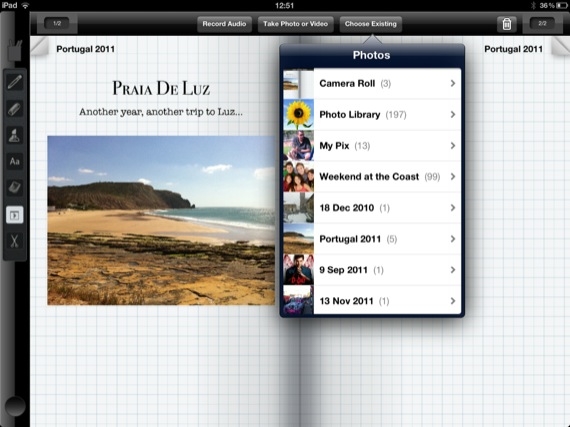
...import pictures...
What makes Taposé stand out from rival apps is the way that it mimics the two-screen UI of the Courier. When you start a new journal Taposé displays a blank two-page spread in landscape mode. A toolbar on the left-hand side of the screen displays icons that activate the word processor, pen and notes tools, and allow you to import or record photos, audio or video clips.
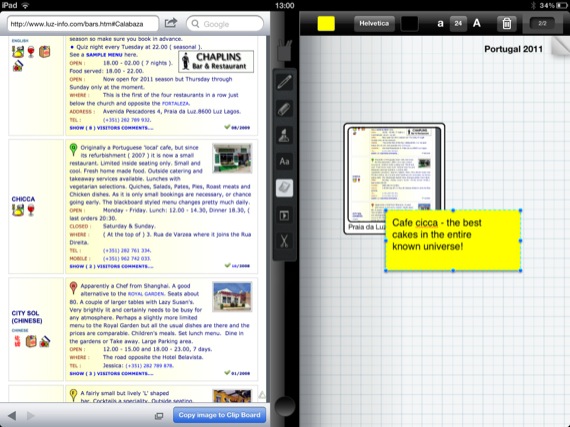
...and info from web pages
You’re then free to arrange all those elements on the pages of your journal in any way you want.
You can also split the screen display in two by pulling that toolbar across into the middle of the screen. That leaves one page of your journal still visible while the app’s built-in browser displays websites, maps and other info in the other half of the screen.
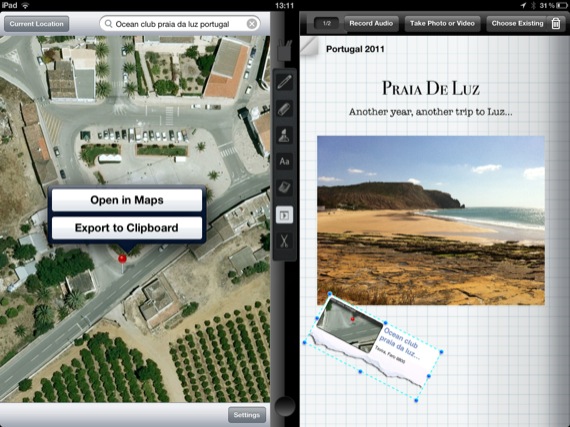
You can add maps too
This allows you to quickly drag web links, maps and other content straight off the web and into your journal. When you’re finished, you can export your journal as PDF file that you can share with others, or collaborate with fellow Taposé users by uploading the journal to the developer’s servers.
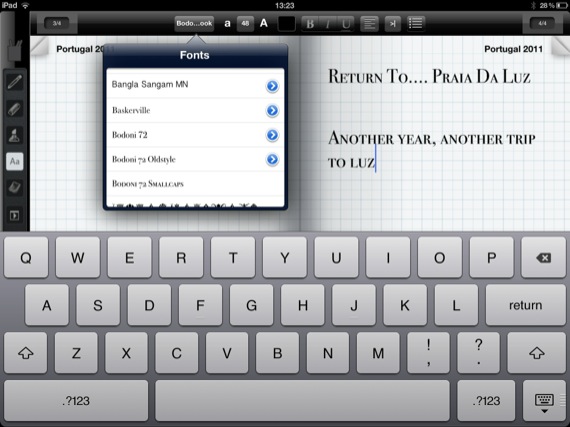
For longer journal entries there's a word processor
It’s an interesting idea but – perhaps unsurprisingly – that Microsoft-inspired interface feels rather clumsy on the screen of the iPad. The layout of tools is messy – it took me ages to locate basic features such as the Undo command – while other features, such as the option to copy images off web pages, don’t work in a very intuitive manner.
And that split-screen interface metaphor falls apart the moment you rotate the iPad into portrait orientation.
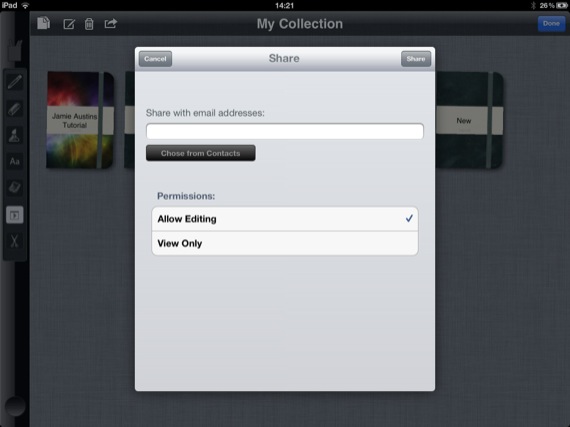
Journals can be shared
I can see the potential of Taposé, and I like its freeform approach to combining multiple media elements on the page. However, this version 1.0 release needs some serious fine-tuning if it’s going to compete with well established and more finely honed rivals such as Evernote and Notes Plus. ®
We make our selection of the best iPhone, iPod and iPad downloads every Thursday. It you think there's an app we should be considering, please let us know.
More iOS App of the Week Winners |
||||
 TopWrite TopWrite |
 Apple iPhoto Apple iPhoto |
 Photoshop Touch Photoshop Touch |
 Poynt Poynt |
 Ten iOS Games Ten iOS Games |
 Biting the hand that feeds IT

