


This article is more than 1 year old
CamScanner
Is that a page scanner in your pocket?

Android App of the Week (NSFW) My other job as the manager of a small record label frequently requires me to circulate press clippings and other bumf to everyone connected with a particular project. One option is to do this when I get back to the office but a better and faster one is to use CamScanner.
CamScanner will take, crop, enhance and convert a picture of a page, receipt or menu into a PDF file and then let you upload it to the cloud or send it as an e-mail attachment.
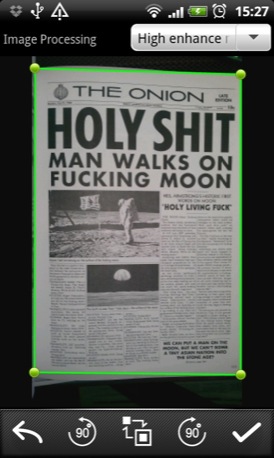
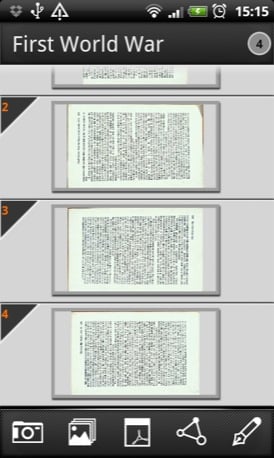
Capture and crop a single image (left) or a batch of scans (right)
Once you have taken a picture, the app superimposes a frame over it to let you see what the auto-trimmer is planning. You can move all the corner points manually if you think you know better. Once trimmed, the image is enhanced in the interests of legibility.
Image quality naturally depends on the ambient light, the quality and size of the print you are shooting, the steadiness of your hand and the quality of your phone’s camera.
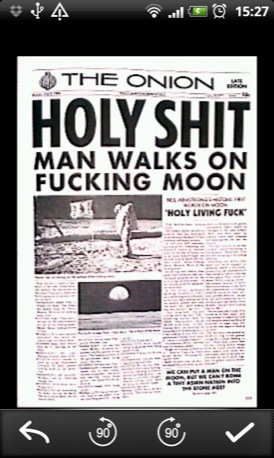
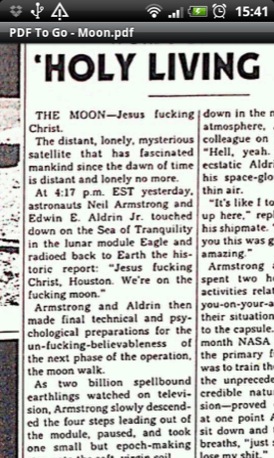
The app will enhance images for you (left) and zoom in to check details (right)
If lighting is a problem you can manage your phone’s flash from within the app, setting it to auto, off or forced. I’ve always been happy with the end results, and the flash syncs reliably.
As well as taking fresh images you can import pictures from your phone’s gallery and enhance/convert them, though I confess this is a feature I’ve never actually found a use for.
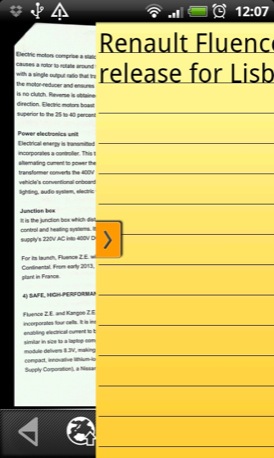
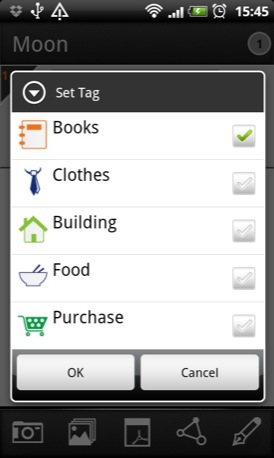
Add notes to your scans (left) and tags too (right)
To keep things ship-shaped, you can drag a notepad out across a file and make pertinent notes regarding the what/why/when of the scan. These notes embed themselves into your PDFs so they can be read by anyone anywhere any time.
If you want to scan multiple pages of a book there is a batch setting that lets you shoot as many pages as you want and then ties them altogether into a single PDF. You can even re-order pages.
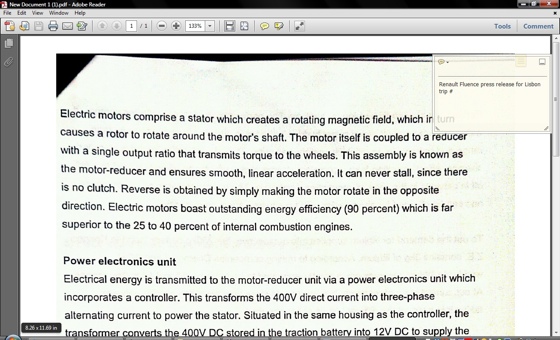
Notes are embedded in the PDF for viewing in other apps

If you don’t plan on using the app regularly there is a free advert-paid version. This puts a watermark on all PDFs - but at the bottom right corner it’s hardly intrusive - and limits the number of images you can take in a batch to three. ®
Size 7.6MB
App2SD Yes
We make our choice of the best Android smartphone and tablet downloads every Tuesday. If you think there's an app we should be considering, please let us know.
More Android App of the Week Winners |
||||
 Lapse It Pro Lapse It Pro |
 JustPictures JustPictures |
 BeWeather BeWeather |
 Android Android
voice assistant shootout |
 K-9 K-9 |
 Biting the hand that feeds IT

