


This article is more than 1 year old
Codeweavers CrossOver Mac
Run Windows apps - minus Windows

Review Like many Mac users, I use Apple’s Boot Camp to switch between the Mac OS and Windows as required. However, I also use virtualisation tools - Parallels Desktop and VMWare Fusion - which have the added convenience of allowing you to run Mac and Windows programs side-by-side.
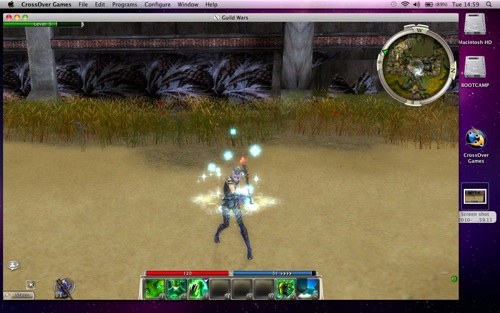
Codeweavers CrossOver: run PC games on a Mac
The only drawback with virtualisation technology is that it can’t provide the same performance as running Windows software natively, as Boot Camp does. This is especially important when it comes to demanding programs such as 3D games. And, of course, the dual-boot and virtualisation approaches both require you to install a full copy of Windows.
Codeweavers’ CrossOver now provides a third alternative for running Windows software on a Mac – and one that doesn’t require a copy of Windows. CrossOver is actually a paid-for version of the open-source Wine project, which provides technical support and a new graphical interface in return for the £26 licence fee.
There are two versions of CrossOver available. CrossOver Mac is designed for running general productivity apps such as Microsoft Office, while CrossOver Games focuses on running entertainment software.
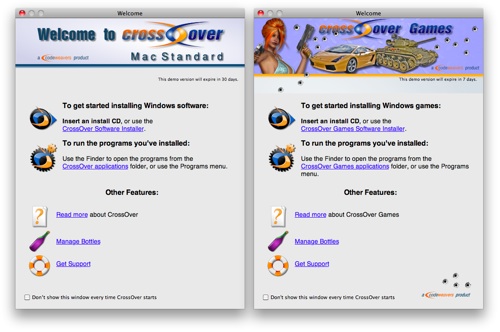
There are separate versions of general apps (left) and games
I asked Codeweavers for more detailed information about the differences between the two versions, and its illuminating response was: “CrossOver Mac runs Windows applications while CrossOver Games runs Windows games.”
 Biting the hand that feeds IT

