


This article is more than 1 year old
Apple massages iPhone code
Tweaks Mail, Safari

Apple today released iPhone Software version 2.2.1, promising improvements in Safari and Mail.
As is usual with Apple updates, fine-grained detail isn't provided, but Apple does say that the update improves the "general stability of Safari" and fixes an issue in which "some images saved from Mail do not display correctly in the Camera Roll," which is Apple's name for the iPhone's main image depository.
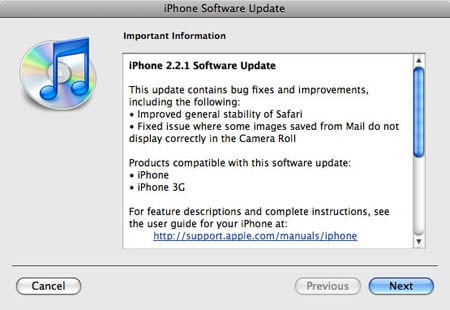
To access the update, connect your iPhone to your computer (Mac or PC), launch iTunes 8, then select your iPhone in the Devices list. You can, by the way, update your iPhone's software from any computer running iTunes 8 - it need not be the one with which your iPhone is synced.

In the pane that appears to the right of the list, click Check for Update. A dialog will pop up, informing you that an update is available, and asking you if you want to install it.
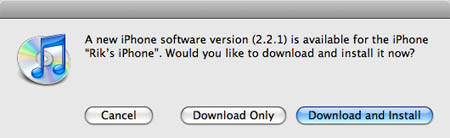
Click Download and Install, then wait while the 246.4MB update downloads - which, in our case, took over 20 minutes.

After the download is complete, the update will begin automatically. You'll be presented with a series of progress dialogs.
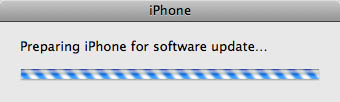
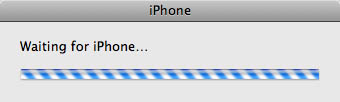
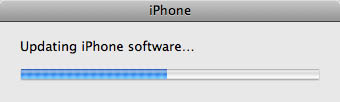
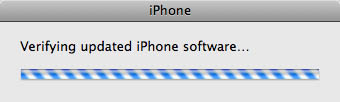
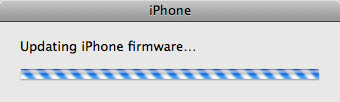
When the update is complete - which takes 15 minutes or more - you'll be rewarded with a dialog telling you that your iPhone is restarting. Wait until it's finished - a couple of minutes - and you're good to go.
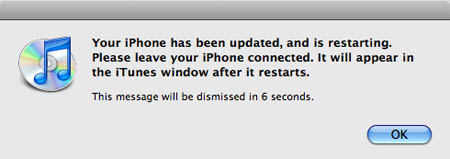
Finished at last!
If you have any problems with the update, Apple offers some suggested fixes on its support site.
During our update, for example, an error message popped up early in the update sequence after the download telling us that our iPhone was "disconnected" and that the update couldn't continue.
It wasn't disconnected, though, so we merely clicked the Update button again (which had changed from the Check for Update button, since the download had been completed), and all proceeded swimmingly. ®
 Biting the hand that feeds IT

