


86

This article is more than 1 year old
Run Mac OS X on a PC
We show you how

Mon 20 Oct 2008 //
11:33 UTC
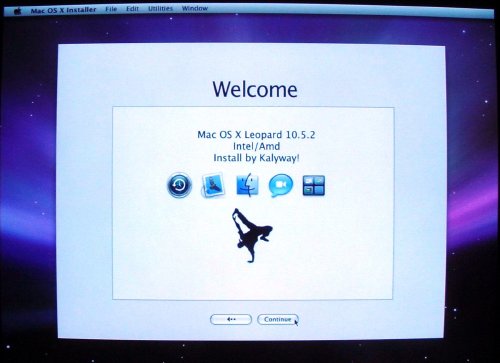
Note the customized Splash screen.
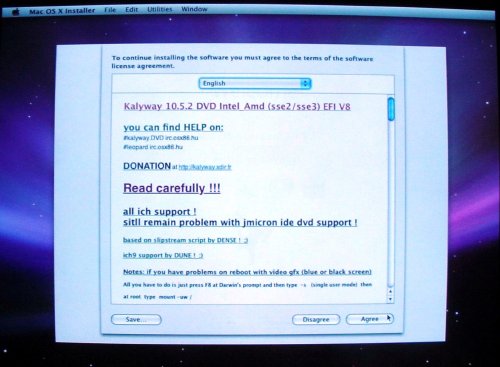
The Kalyway license page. Its not quite clear what we're agreeing to, as this is pirated software. But hey, at least it looks official.
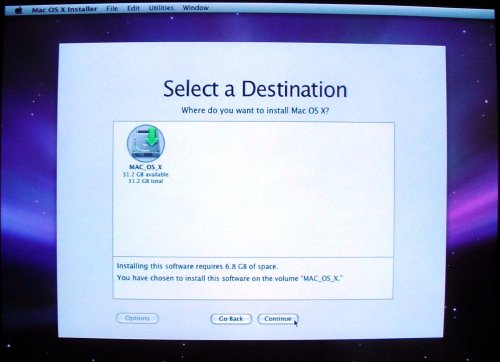
Select a disk for the install. Isn't there some user interface design guideline about not giving users a "choice" when they have only one option to pick from?
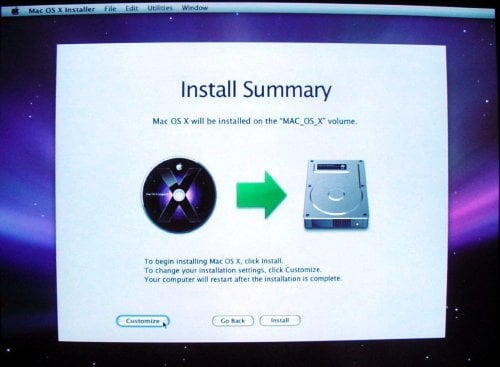
Click Customize to select your hardware.
The install guides on the web don't offer any useful advice here, so you're pretty much on your own. Hopefully you did your homework and identified your system configuration earlier.
A couple pieces of advice:
- Don't select all the items in a category (eg all NVidia drivers). Pick the one that most closely matches your configuration.
- Document every configuration setting. It will come in handy if (and almost certainly when) you have to install again.
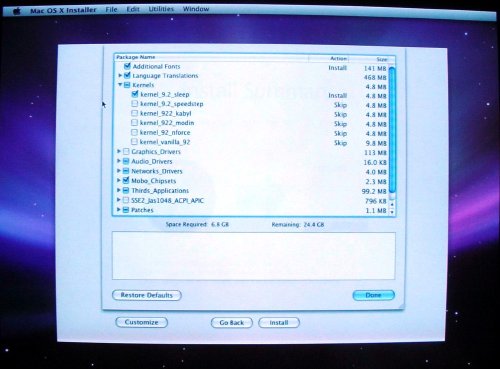
Choose your PC's hardware configuration.
 Biting the hand that feeds IT

